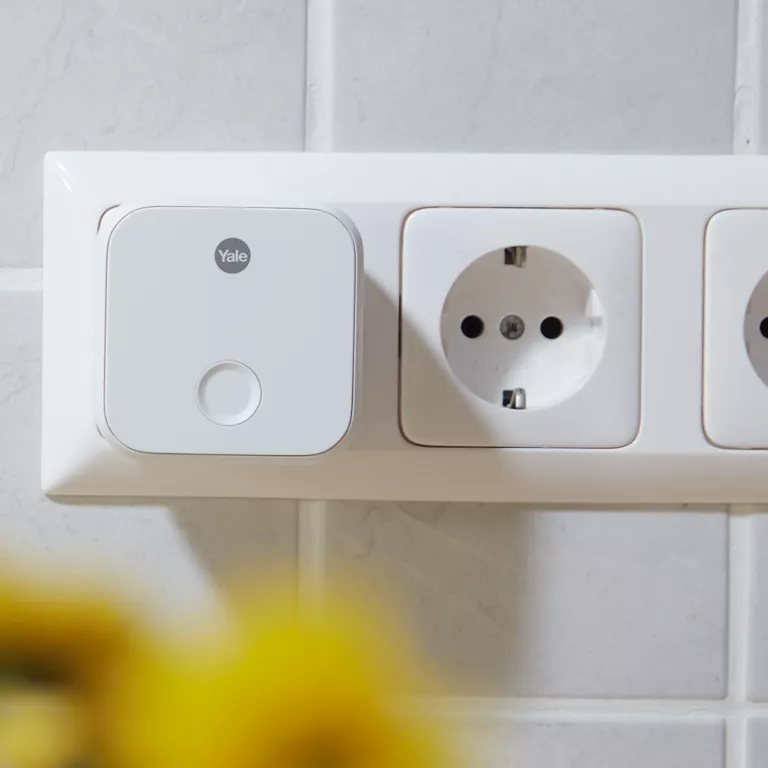
If you see a “No Locks Discovered” message during Connect Wi‑Fi Bridge setup, it means the Yale Home app cannot detect your Smart Lock via Bluetooth.
Before you can install a Connect Bridge, your lock must already be set up and working in the Yale Home app using Bluetooth.
How to fix this
- Make sure your Smart Lock is already added to the Yale Home app.
- You should be able to lock and unlock it directly from your phone when you are next to the door.
- Check that Bluetooth is turned on and your phone is close to the lock.
- Try controlling the lock via the app.
- If it works: restart the Connect Wi‑Fi Bridge setup.
- If it doesn’t work: the lock needs to be paired again before continuing.
Why this message appears
The Connect Wi‑Fi Bridge relies on Bluetooth to communicate with your Smart Lock. If the lock is not already paired with your phone, or if Bluetooth cannot detect the lock locally, the Bridge cannot be added.
Once Bluetooth control is working
Return to the Yale Home app and repeat the setup for the Connect Wi‑Fi Bridge. The Bridge should now detect the lock and complete installation normally.